Use Shopify for commerce and WordPress for publishing
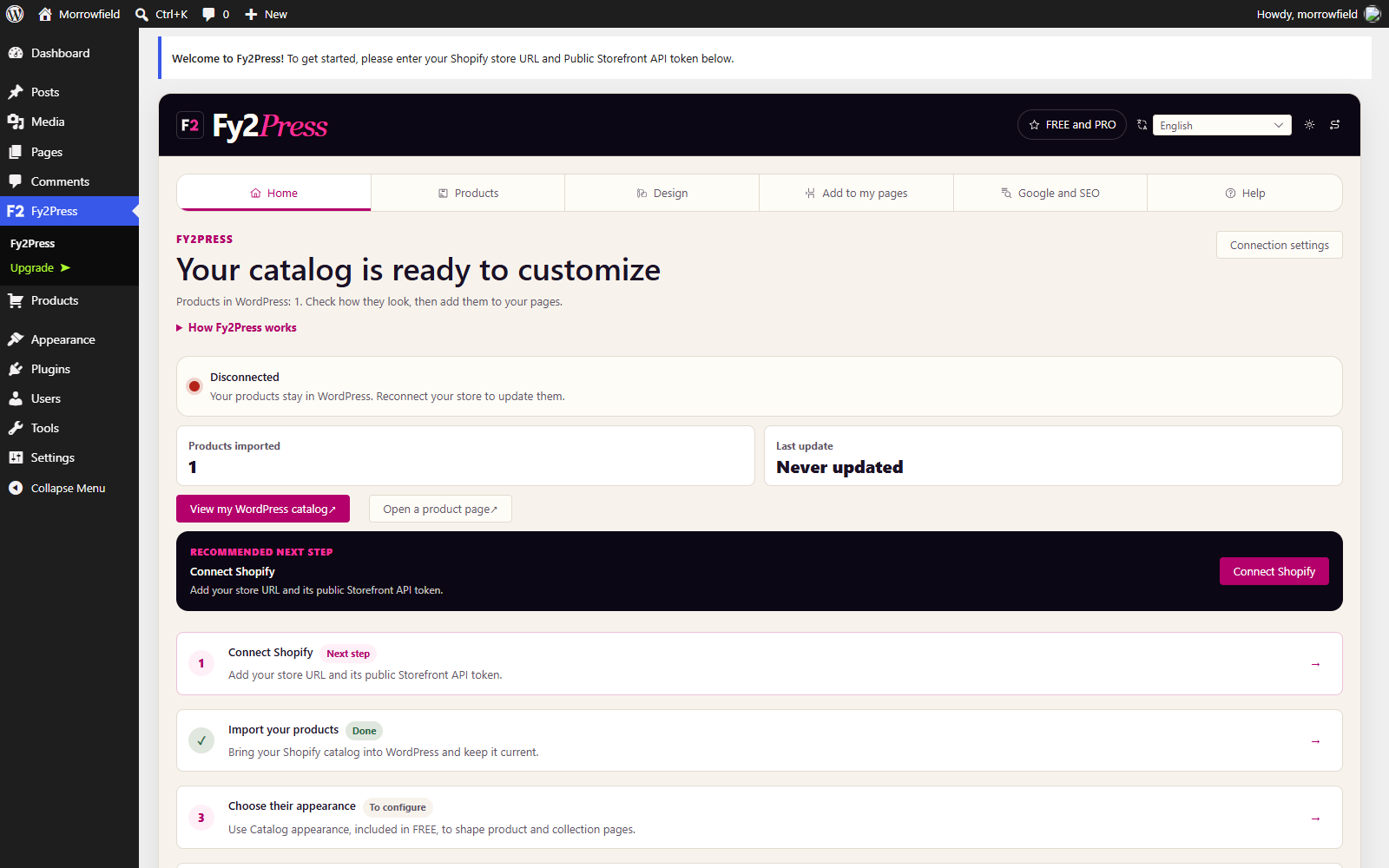
Fy2Press connects the Shopify catalog to WordPress. Shopify keeps cart, transactions and checkout; WordPress gains product pages, collections and guides.
A Shopify store is designed to operate commerce. WordPress gives editorial teams a flexible publishing system, theme ecosystem and page-building workflow. Fy2Press lets a merchant use both without presenting two independent commercial catalogs.
02
This is not a complete store migration.
Fy2Press does not transfer orders, customers, payments or checkout into WordPress. It synchronizes catalog records into WordPress content and provides display templates, blocks and shortcodes. Buying returns to Shopify.
Which architecture fits your situation?
Start from the pages you need and where the purchase should happen, then pick the lightest setup that delivers them. Most rows do not involve Fy2Press.
Situation
Suitable approach
Why
What to check
Your content fits in a few pages and occasional news, and nobody depends on WordPress tools.
Shopify alone, with the online store and its built-in blog.
One platform, one admin and one theme to maintain; Shopify's online store includes a blogging engine.
Whether your Shopify theme presents the long-form content you plan. Moving an existing WordPress site is a separate project.
Your WordPress articles mention products occasionally, and readers already browse your Shopify store.
No catalog: text links to the Shopify product pages.
A catalog adds product pages to keep accurate and indexing choices to make; a link reuses the page you already maintain in Shopify.
Come back to this grid when a recurring need appears, such as buying guides or collections that should live in WordPress.
A WordPress blog that sells a handful of products from a few articles.
Shopify's Buy Button embedded in those posts.
You paste code generated by Shopify where the product should appear; changes made in Shopify show on the button, and the purchase ends in your Shopify checkout.
Each embed is placed and maintained by hand and creates no product or collection pages in WordPress. Test it with your theme and on a phone.
Your WordPress site uses the block editor and you want Shopify products and collections inside pages, managed from a Shopify sales channel.
Shopify's official plugin for WordPress, with the Sell on WordPress sales channel.
Shopify builds and supports it; its documentation says product changes sync automatically and products and collections are added with blocks.
Shopify requires the block editor and officially supports only the default block themes. We did not find the plugin on WordPress.org on October 12, 2026; Shopify's Help Center links a ZIP download.
You want product pages, collections and buying guides as WordPress content, with your theme and editing tools, while Shopify keeps checkout.
A WordPress catalog synchronized from Shopify with Fy2Press.
Products, collections and tags become native WordPress content you place with blocks or shortcodes; Shopify keeps the cart and processes payment.
In FREE, you start each synchronization manually and new product pages are published directly, so choose the primary address in Google and SEO before the first run. Native Elementor and WPBakery elements require PRO.
You want to run the whole store inside WordPress, or you plan to leave Shopify.
WordPress alone, with WooCommerce.
WooCommerce makes WordPress the commerce system: products, orders and checkout are managed there.
This is a store migration, with payments, shipping, taxes and hosting to plan. Fy2Press does not migrate a store.
A development team wants full control of the storefront, with a custom design system or app.
A custom headless storefront on Shopify's Storefront API, with Hydrogen or another framework.
Shopify provides the API and its Hydrogen framework; Shopify documents that the cart's checkout URL takes buyers through its web checkout.
It is a software project to build, host and maintain. Decide who edits content, and with which tool.
Published by Pagup, the maker of Fy2Press. Descriptions of other tools come from their vendors' documentation, consulted on October 12, 2026; we have not tested them. Every option except WordPress with WooCommerce assumes an active Shopify subscription.
Shopify · Fy2Press · WordPress
One store. Two systems doing the jobs they do best.
Fy2Press connects the catalog without pretending WordPress has become the commerce engine.
SHOPIFY
Products, inventory, the cart service, transactions and checkout remain in Shopify; WordPress can display the cart interface.
Fy2Press
Fy2Press connects the catalog, runs the manual synchronization and provides the display templates, blocks and shortcodes.
WORDPRESS
WordPress gives the catalog product pages, collections, editorial context, landing pages, templates and an indexable publishing surface.
Choose the primary page before you publish both surfaces.
Choose the primary page before you publish both surfaces.
The same product may have a Shopify URL and a WordPress URL. Decide which page should be canonical, verify rendered canonicals and robots, keep excluded URLs out of sitemaps, and inspect schema on the final response. Fy2Press does not guarantee crawling, indexation or ranking.
Editorial brands publishing guides and comparisons
03
WordPress agencies building catalog experiences
04
SEO teams governing duplicate product surfaces
What this version does not include
What this version does not include
This version is deliberately explicit about what is absent. Do not plan a launch around automation or integrations that are not included.
FREE has no scheduled synchronization. No webhook queue is provided. Discovery resumes in batches; the write phase is not promised to resume after an interruption.
No local media mirroring, Shopify metafield mapping or ACF mapping.
No multilingual catalog synchronization or multi-store agency tooling.
No saved advanced facets, merchandising rules, design presets or settings import and export.
Priority support is not included in the documented feature scope.
Questions to settle before you choose
Where does the customer pay in each setup?
With the Buy Button, Shopify's official plugin, Fy2Press or a headless storefront, payment happens in Shopify checkout. With Fy2Press, WordPress can display the cart, but Shopify stores it and processes the transaction. Only a WooCommerce setup moves orders and payment into WordPress.
Which system holds the reference product data?
In a Fy2Press setup, Shopify does: titles, prices, variants, inventory and images are managed there. Each synchronization saves catalog records in WordPress as products, collections and tags, and images keep loading from the addresses Shopify provides. Write editorial context in WordPress, change commercial data in Shopify, then refresh the catalog.
Should Shopify move to a subdomain, and which addresses will exist?
One option keeps WordPress on your main domain and connects a subdomain such as shop.example.com to Shopify, a setup Shopify documents. Shopify also states that third-party proxies are not supported, so do not plan to serve the store from a WordPress folder that way. With a WordPress catalog, the same product can have a Shopify URL and a WordPress URL; choose the primary one before you synchronize. Fy2Press connects through your store's myshopify.com address, not your custom domain.
What happens if we stop using the plugin?
Your Shopify store, orders and checkout are not affected. With Fy2Press 1.0.0, deleting the plugin removes its settings and caches only if Delete Settings on Uninstall is turned on; synchronized products and terms stay in the WordPress database. Its templates, blocks and shortcodes stop working, though, so check on a staging copy what your product URLs return and plan redirects. For its own plugin, Shopify states that disconnecting means customers can no longer view or buy the products shown on WordPress.
Do we need two themes?
Not on the WordPress side: with Fy2Press, product and collection pages render inside your WordPress theme with the plugin's templates, which you adjust in the Design tab. On the Shopify side, checkout keeps the appearance set in Shopify, and Fy2Press does not install or change any Shopify theme. Check where Shopify sends customers after a purchase; for its own plugin, Shopify provides a Sell on WordPress theme for that purpose.