Shopify product
Products, inventory, the cart service, transactions and checkout remain in Shopify; WordPress can display the cart interface.
Fy2Press PRODUCT · FREE AND PRO
FREE gives you blocks, shortcodes and basic design settings. PRO adds native Elementor and WPBakery tools and advanced design controls. Both keep checkout in Shopify.
For an existing Shopify store and WordPress site. Your Shopify subscription is still required.
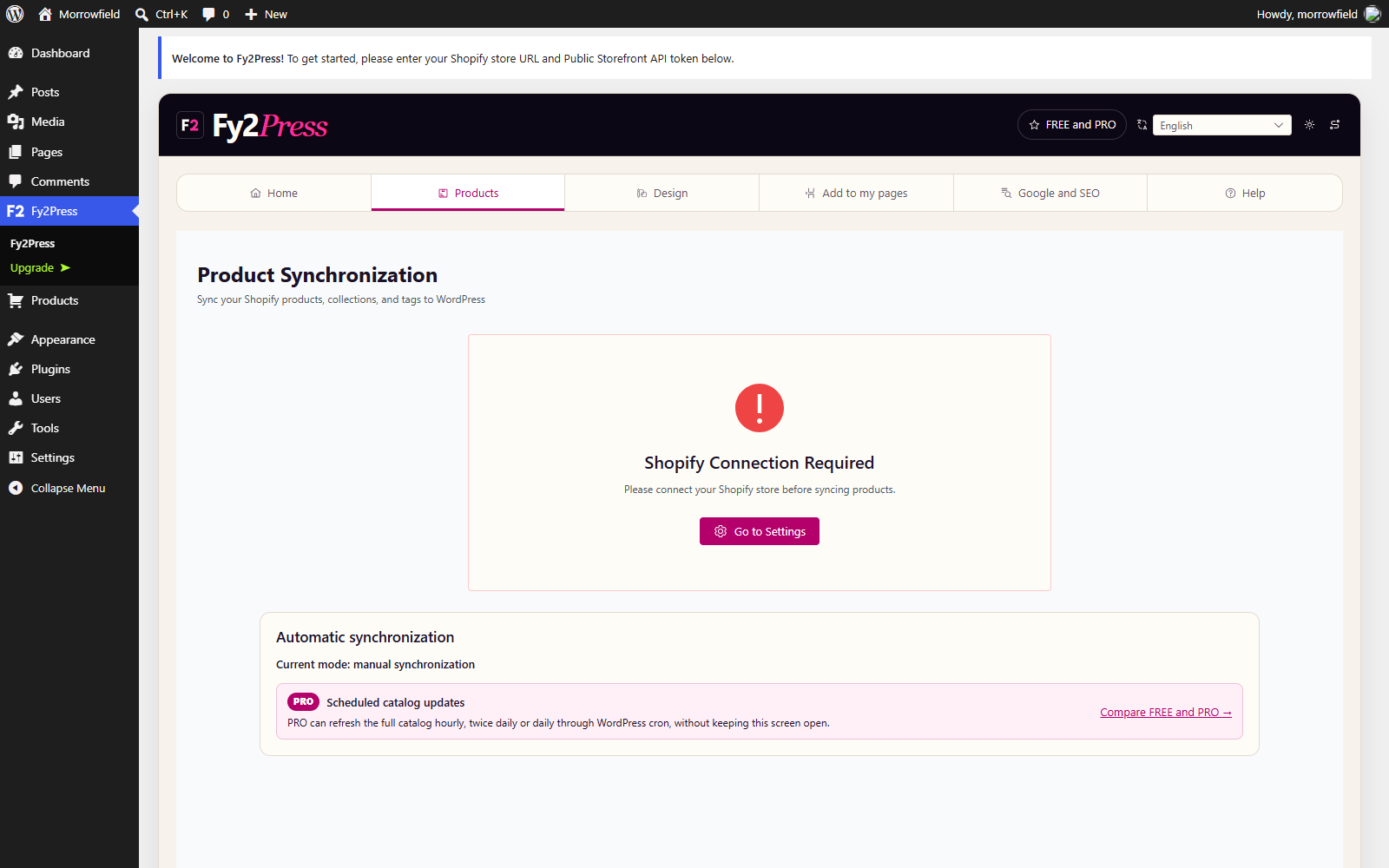
You start catalog synchronization manually.
 Fy2PressWordPress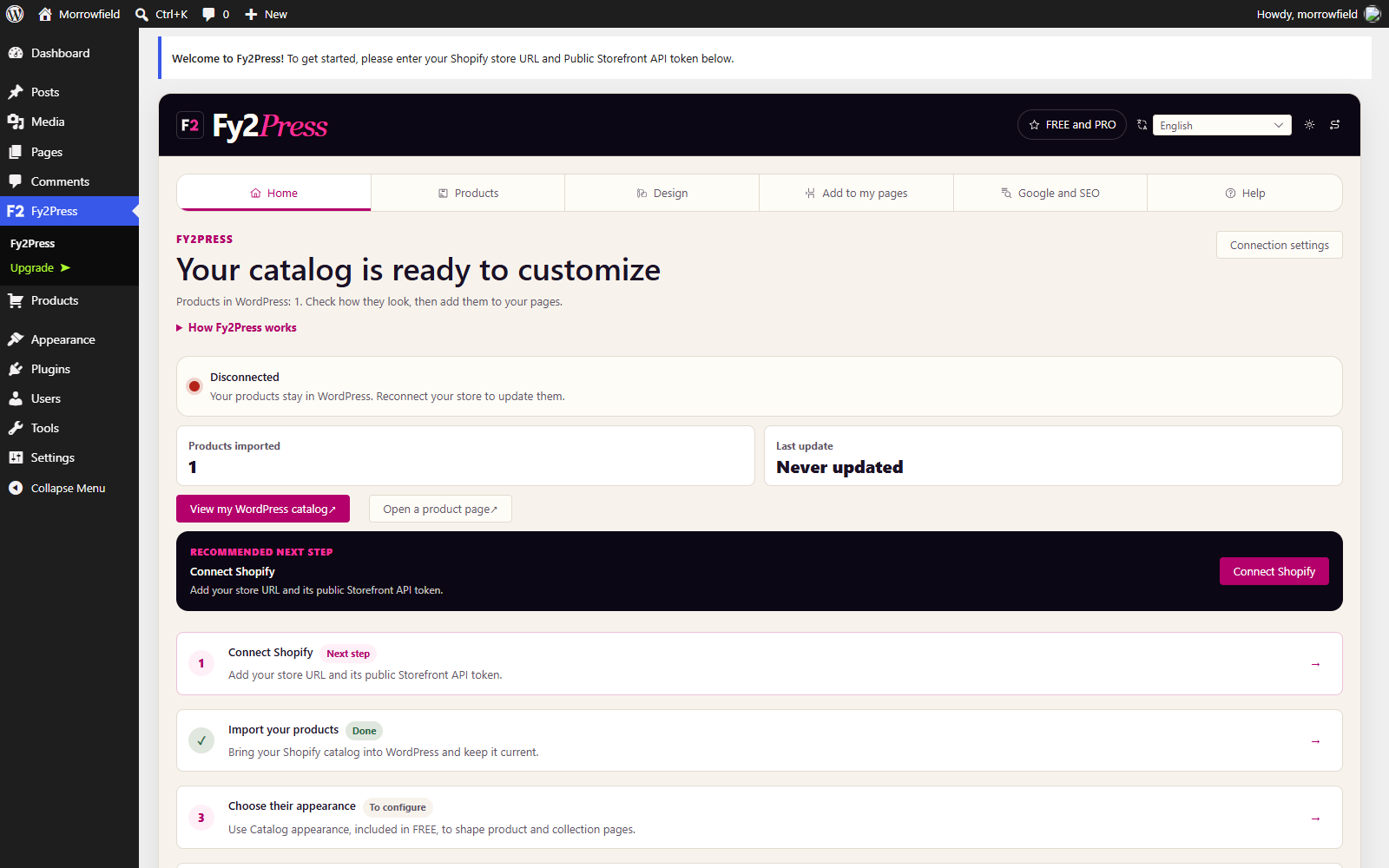
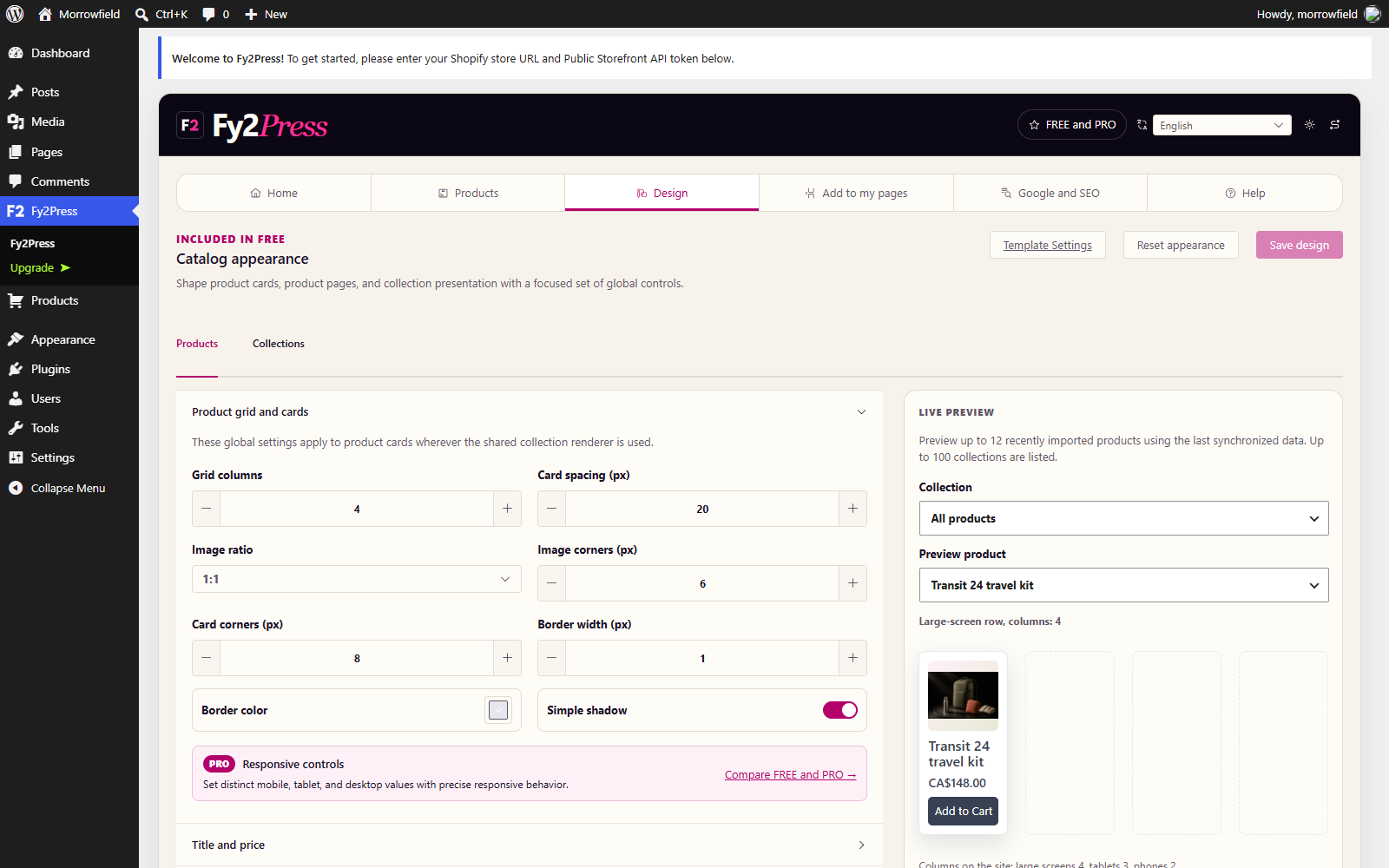
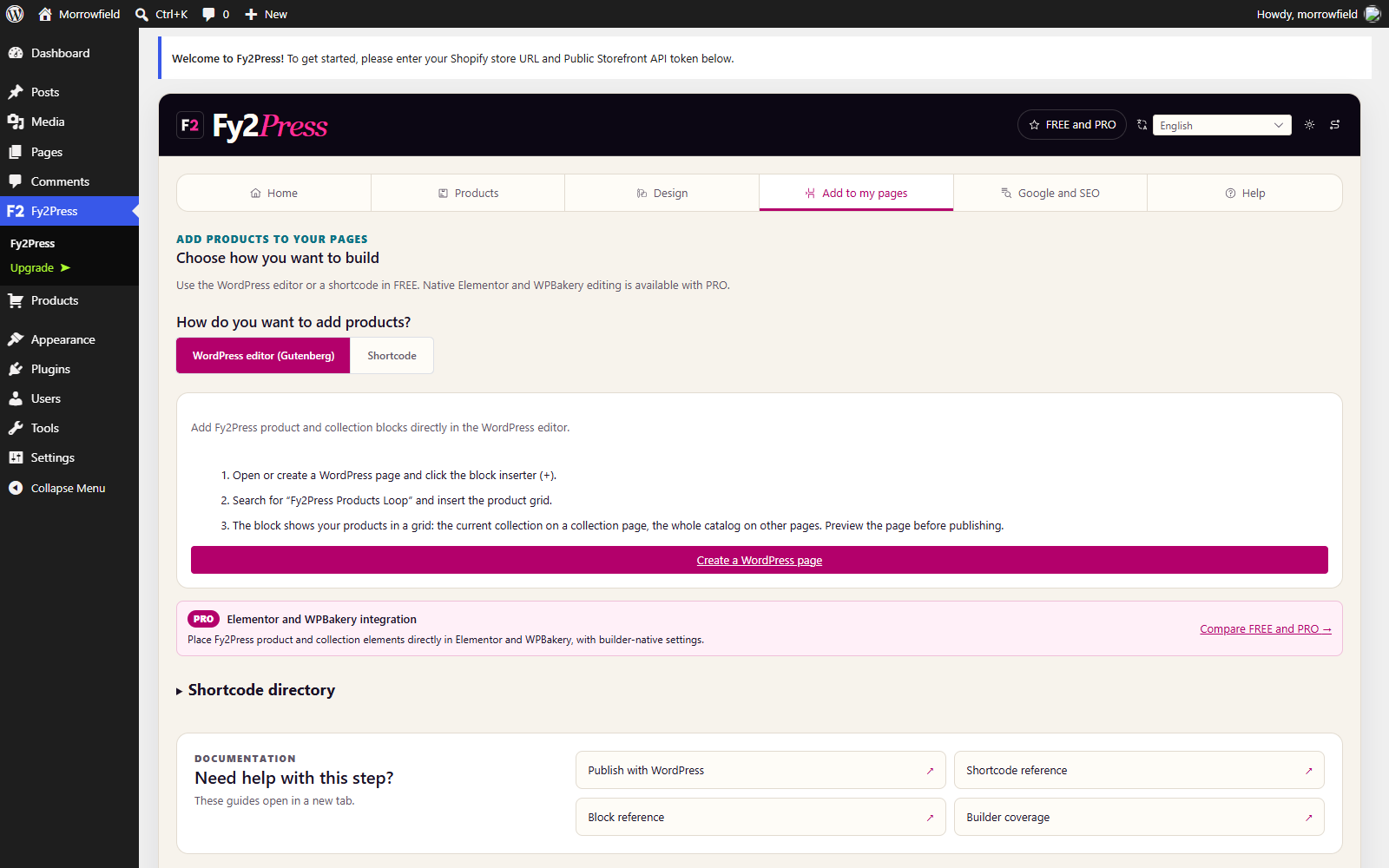
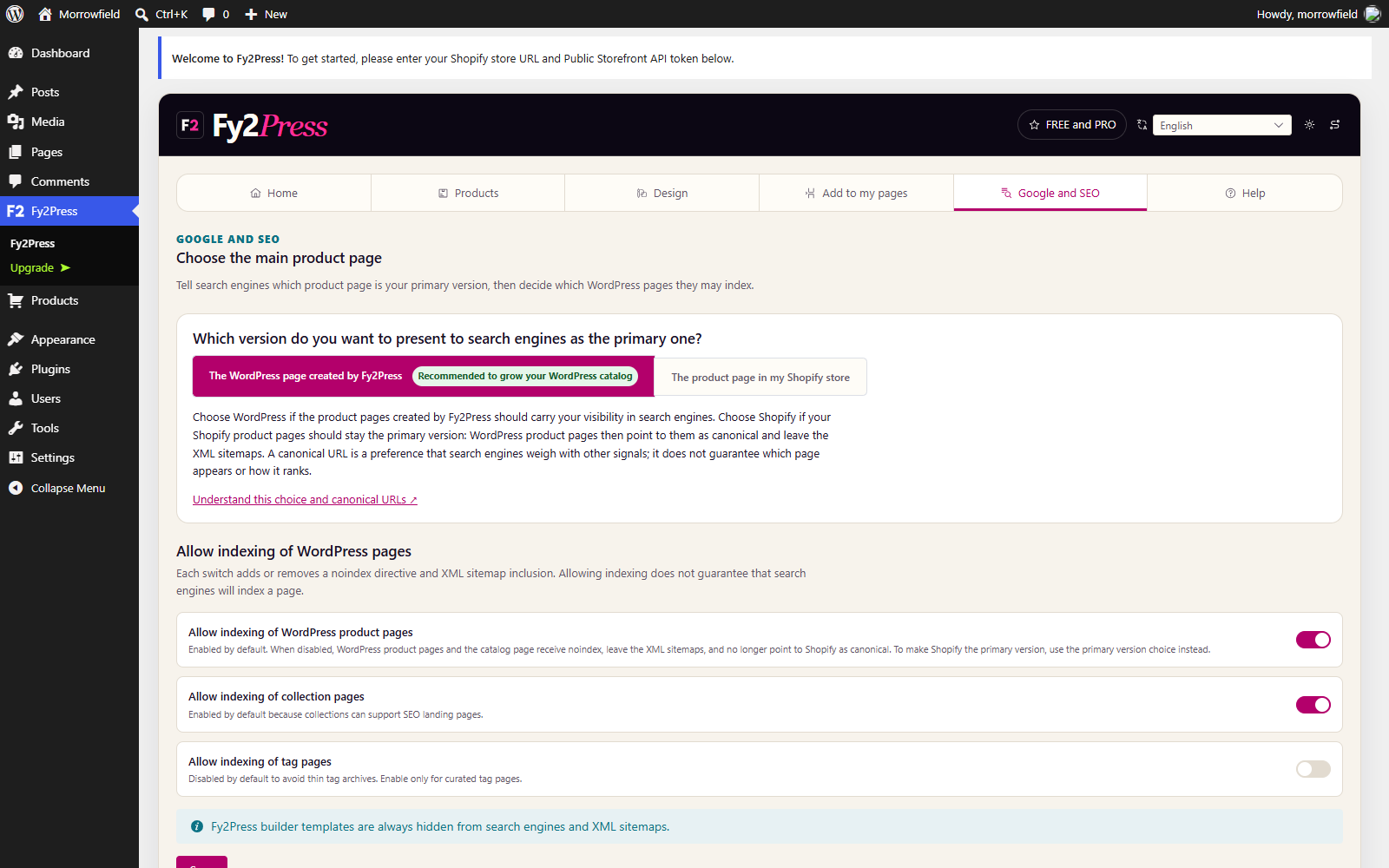
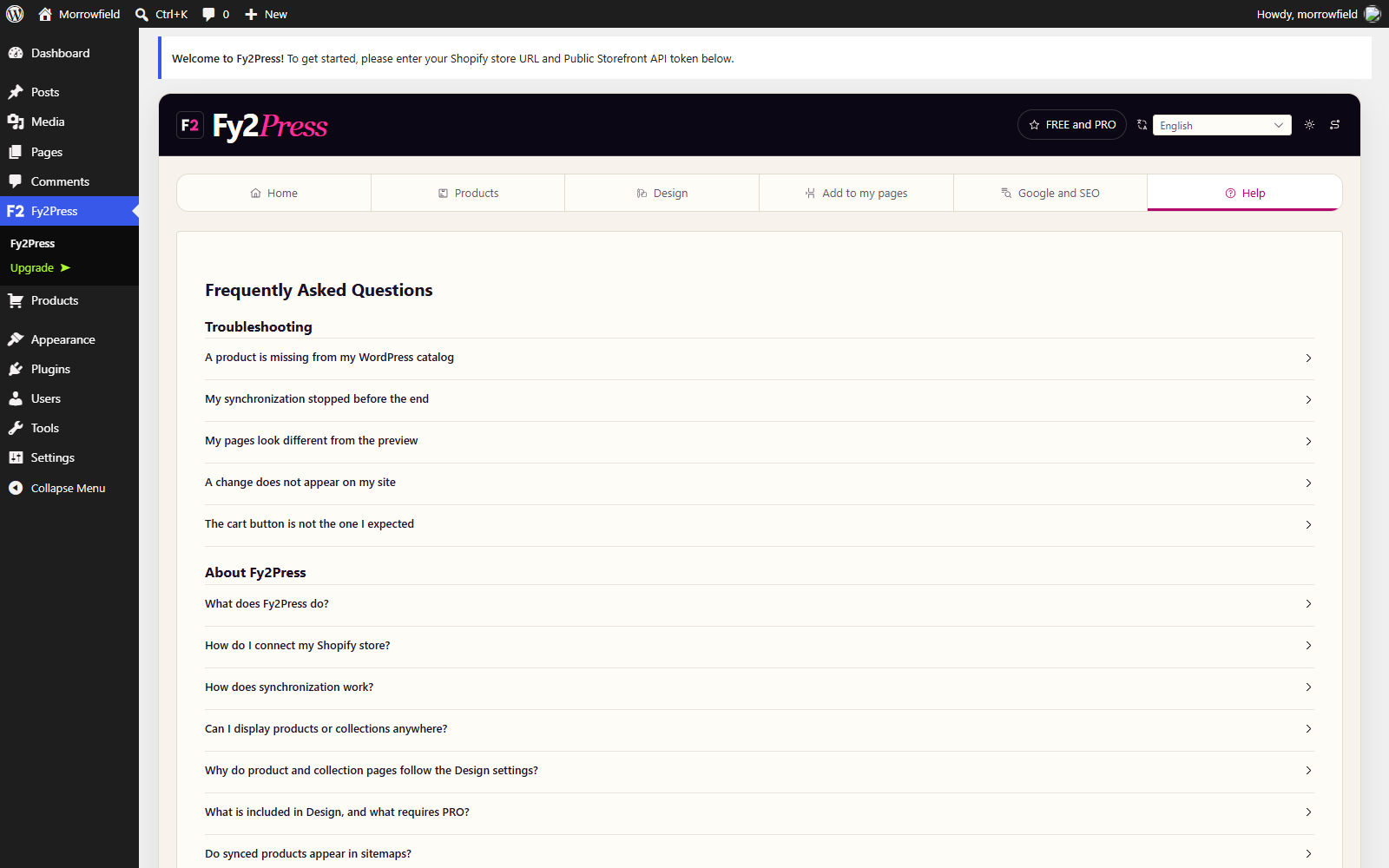
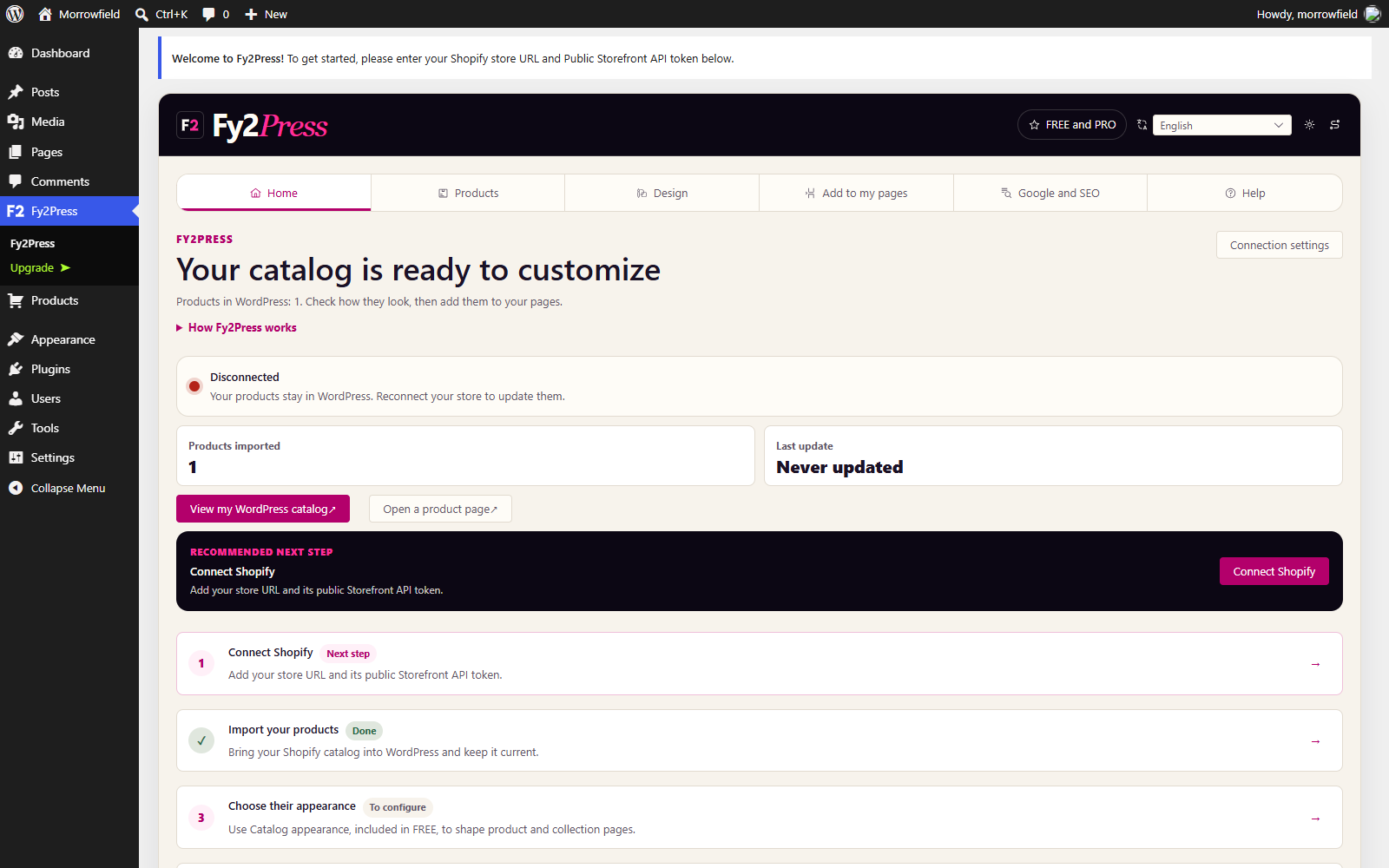
Real Fy2Press interface in a demonstration WordPress site.
Free and Pro
Use the WordPress block editor, shortcodes and included design settings.
Everything in FREE, plus native Elementor and WPBakery tools and advanced design controls.
Licence options and prices appear at checkout before you pay. PRO features require an active licence.
The free plugin is available on WordPress.org. PRO is sold separately through Freemius, our licensing and payment provider.
Shopify + WordPress
A Shopify store is designed to operate commerce. WordPress gives editorial teams a flexible publishing system, theme ecosystem and page-building workflow. Fy2Press lets a merchant use both without presenting two independent commercial catalogs.
Products, inventory, the cart service, transactions and checkout remain in Shopify; WordPress can display the cart interface.
Fy2Press connects the catalog, runs the manual synchronization and provides the display templates, blocks and shortcodes.
WordPress gives the catalog product pages, collections, editorial context, landing pages, templates and an indexable publishing surface.
Plugin screenshots
Explore the connection, design and publishing screens in Fy2Press. These are real plugin screenshots from a demonstration site.
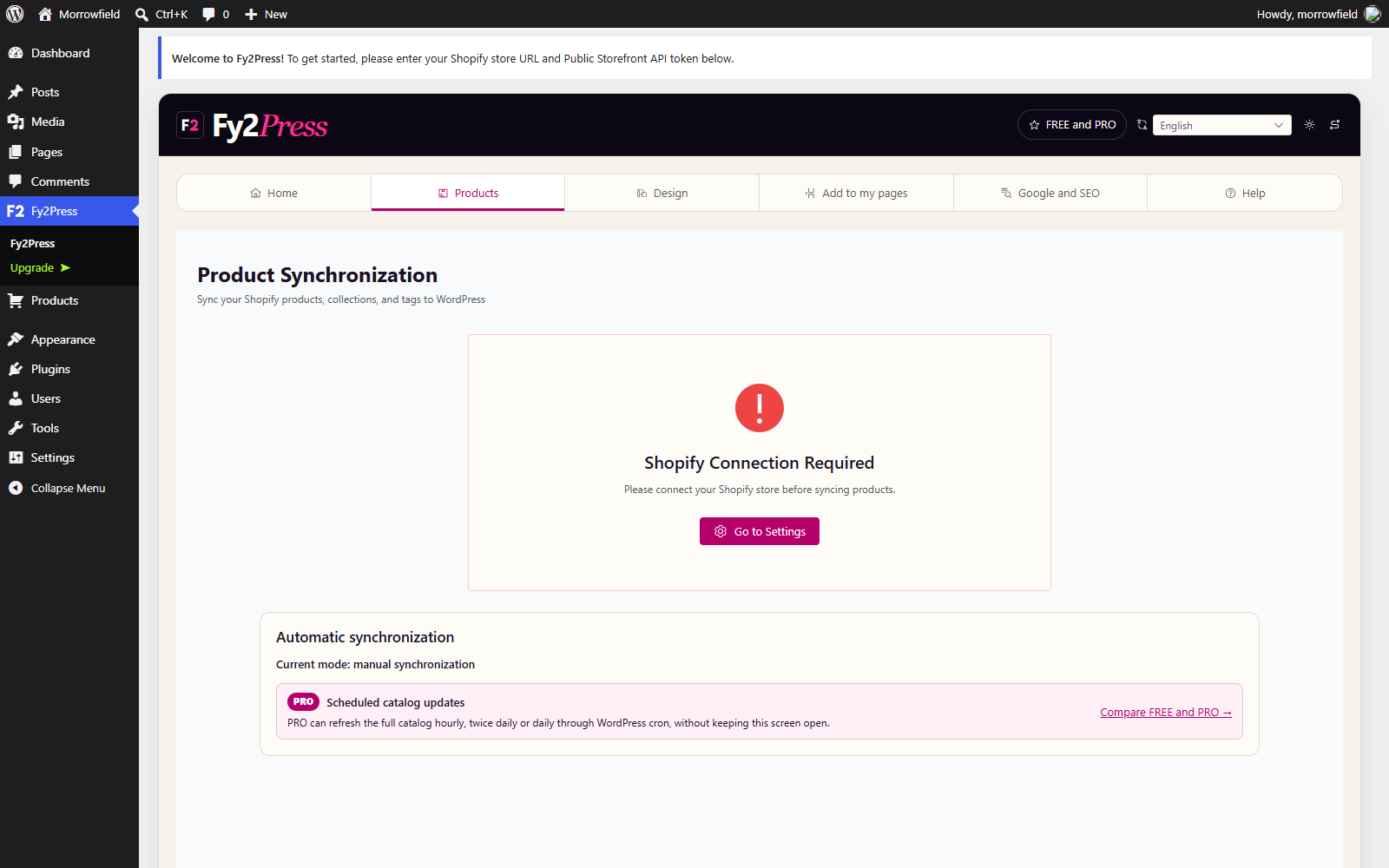
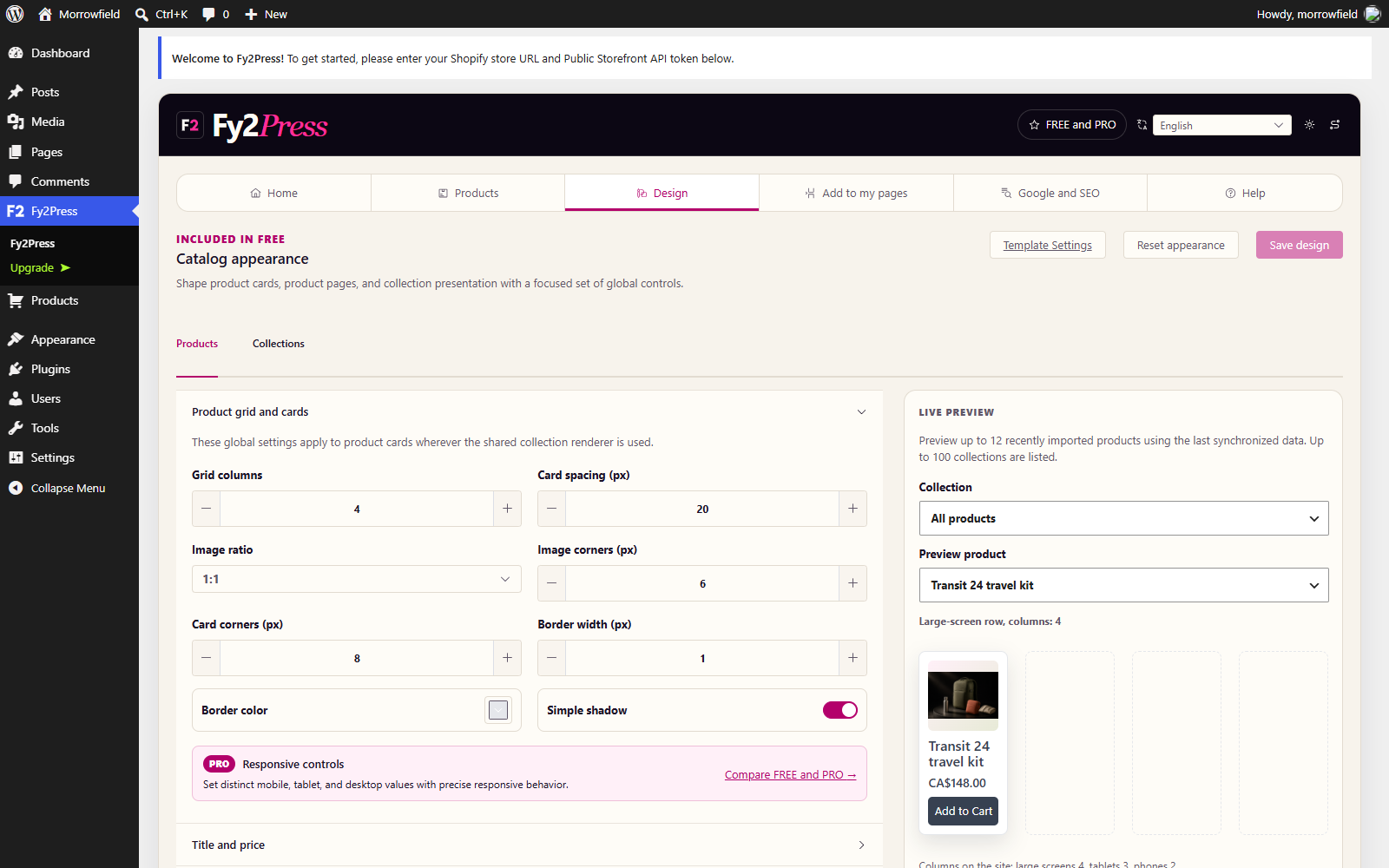
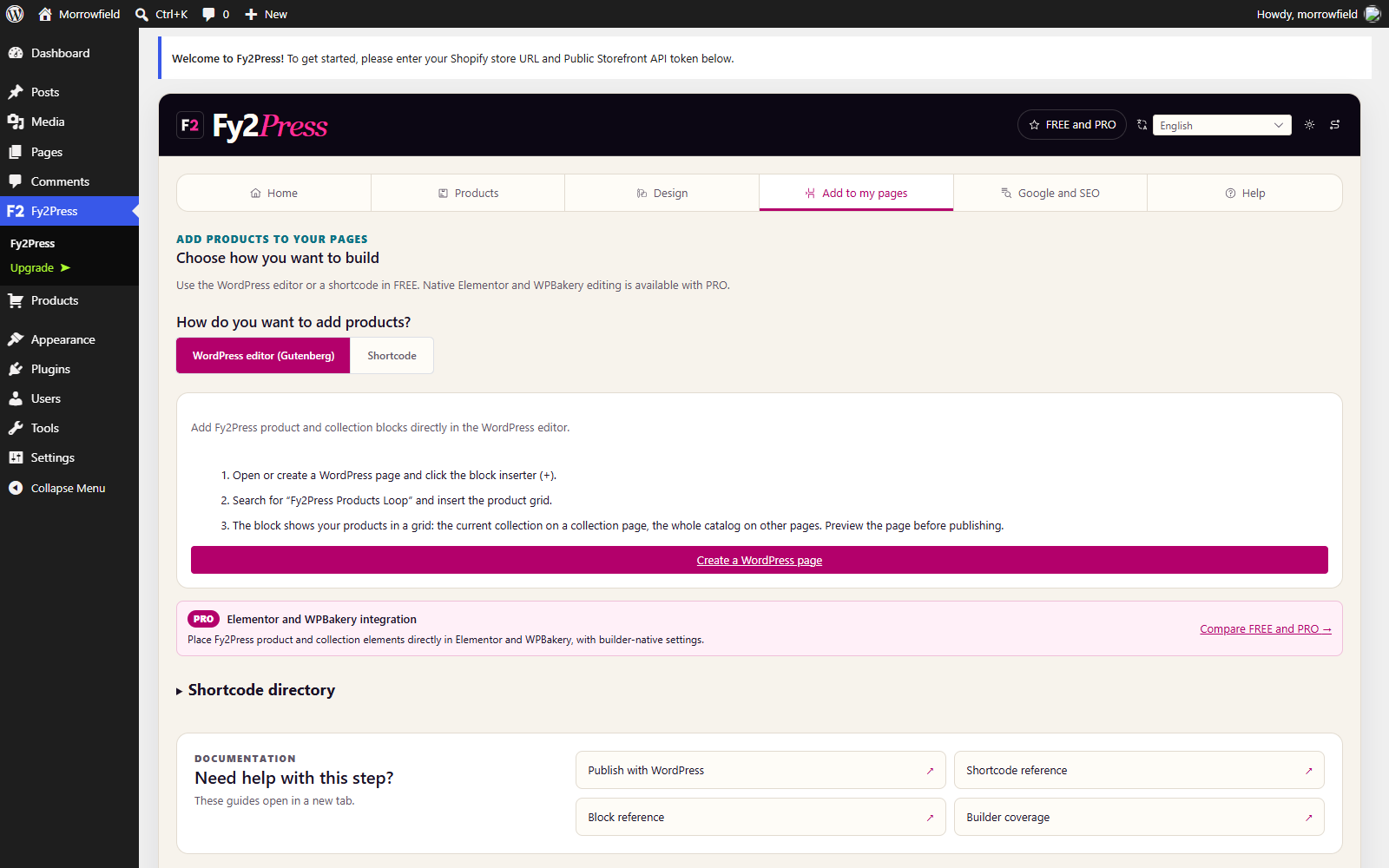
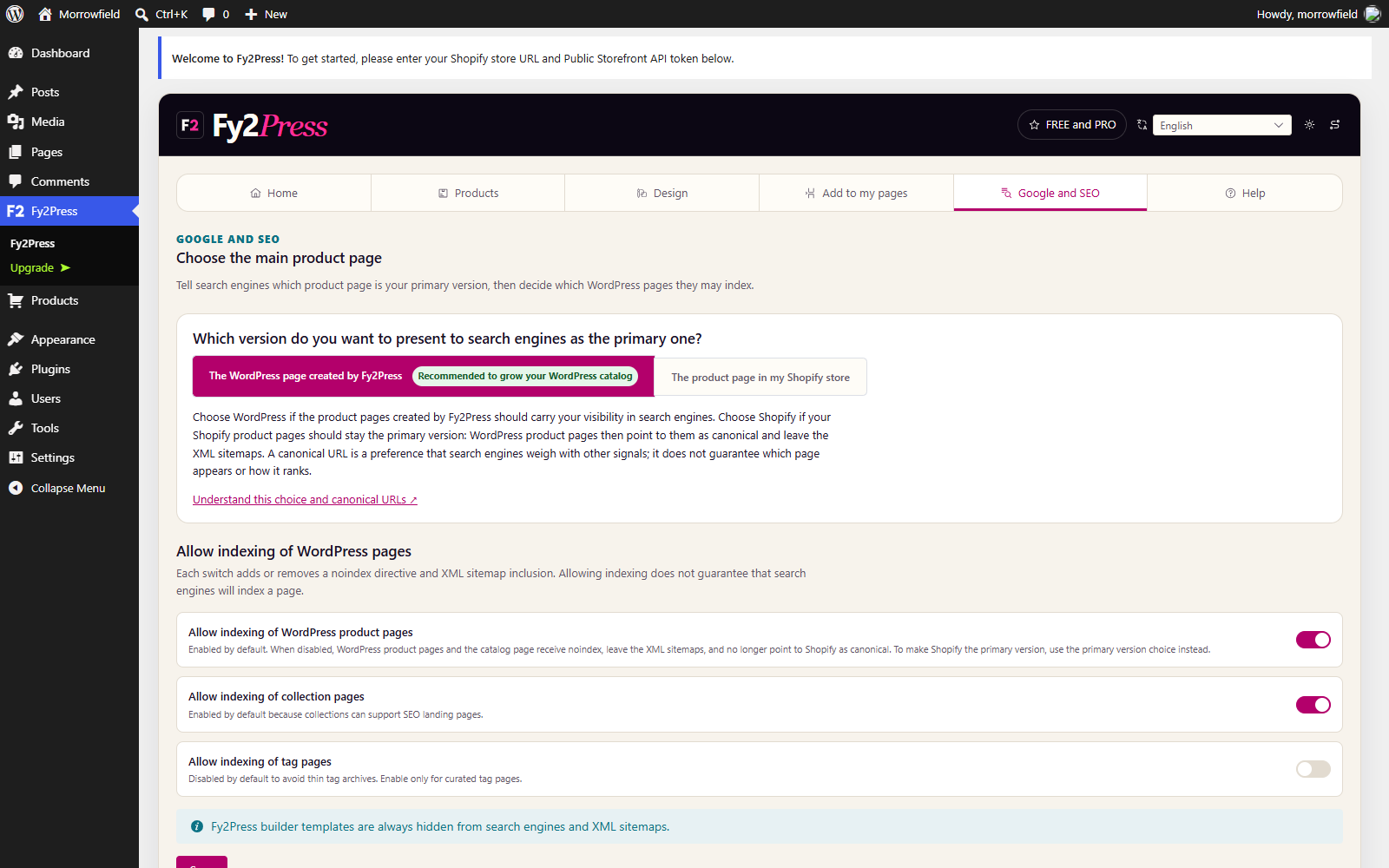
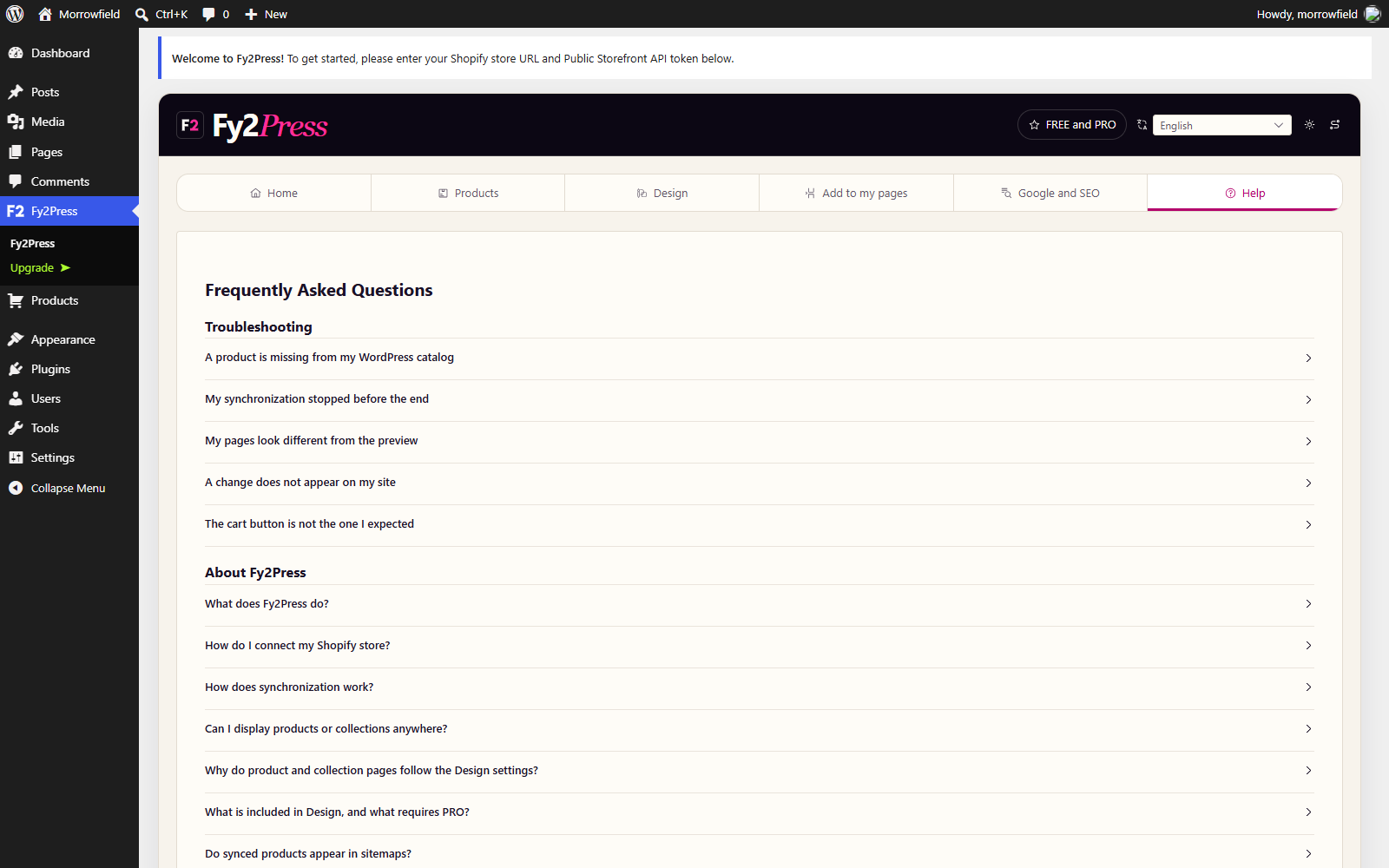
Morrowfield is fictional. The demonstration environment is deliberately disconnected and contains no Shopify credential, customer record or transaction.
Fy2Press 1.0.0 · Shopify + WordPress
This version is deliberately explicit about what is absent. Do not plan a launch around automation or integrations that are not included.
Guide index
Install, connect, synchronize manually, then publish. The guides explain each step and the checks to make before continuing.